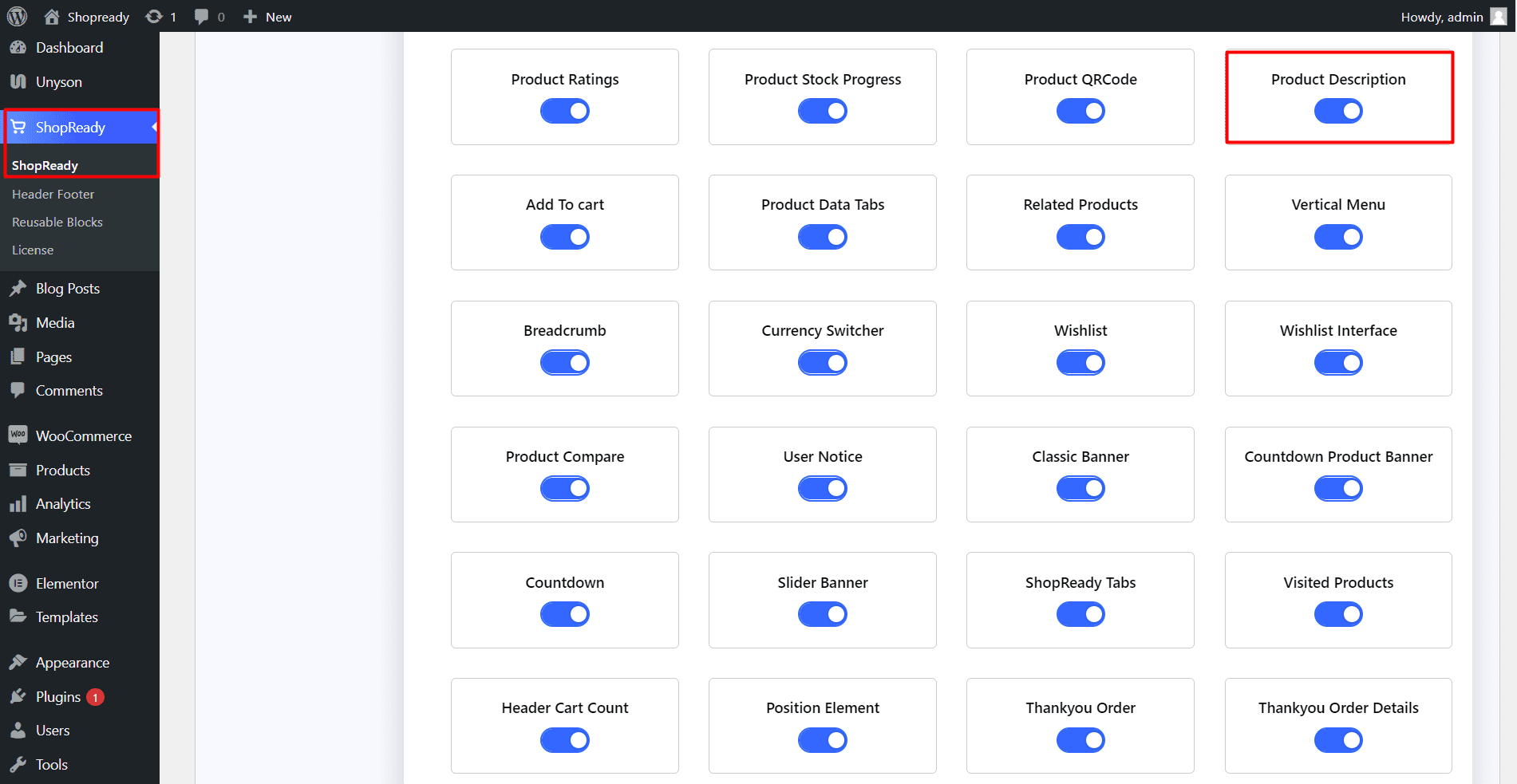
Enable the Product Descriptionwidget from the ShopReady dashboard and click on Save Changes.
Step - 02:
Create a new page from the WordPress Dashboard > Pages > Add New. And then click on Edit with Elementor. Or visit your single product page.
From the left-hand side, search for the ShopReady Product Description widget. And drop it into your newly created page.
Step - 03:
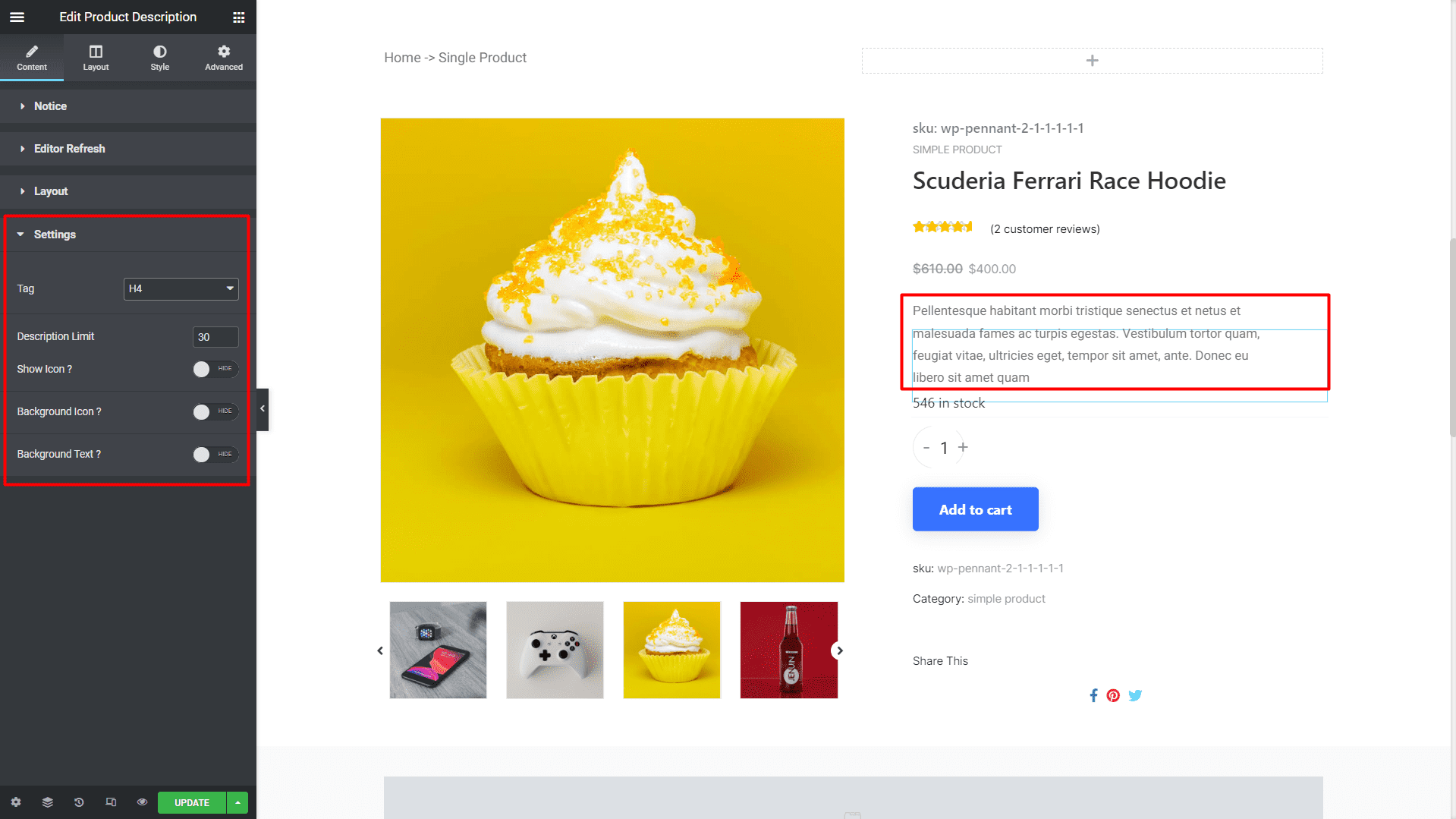
If you have products added to WooCommerce, then it should look something like this. And from the Settings option, you can control the tags for the product description and increase or decrease the word limit for the product description.
Step - 04:
You can further customize the product description by clicking on the Style tab. From here, you can change how the product description will appear by changing the typography options.
When you’re done customizing your product grid section, make sure to hit PUBLISH/ UPDATE to save your changes.