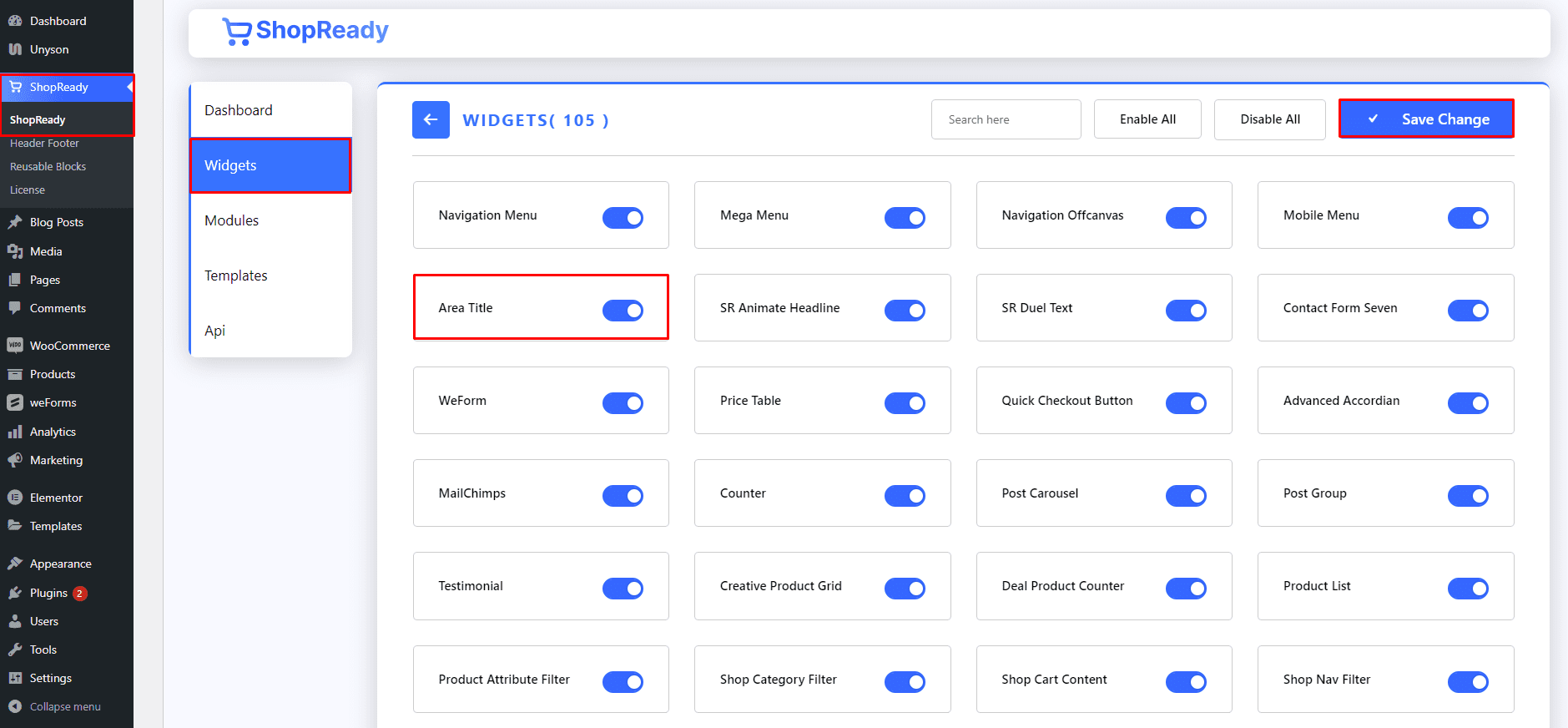
Enable the Area Title widget from the ShopReady dashboard and click on Save Changes.
Step - 02:
Create a new page from theWordPress Dashboard > Pages > Add New. And then click onEdit with Elementor. Or click Edit with Elementor on an existing one.
From the left-hand side, search for the ShopReady Area Title widget. And drop it onto the newly created page.
Step - 03:
To customize the type of content that gets displayed, click on the Settings option. From here, you can edit the order count and select the previously saved template.