Navigate to Appearance→ Customize. Here you have access to all the theme’s configuration settings. Each setting is commented and very straight-forward and should be easy to understand and configure.
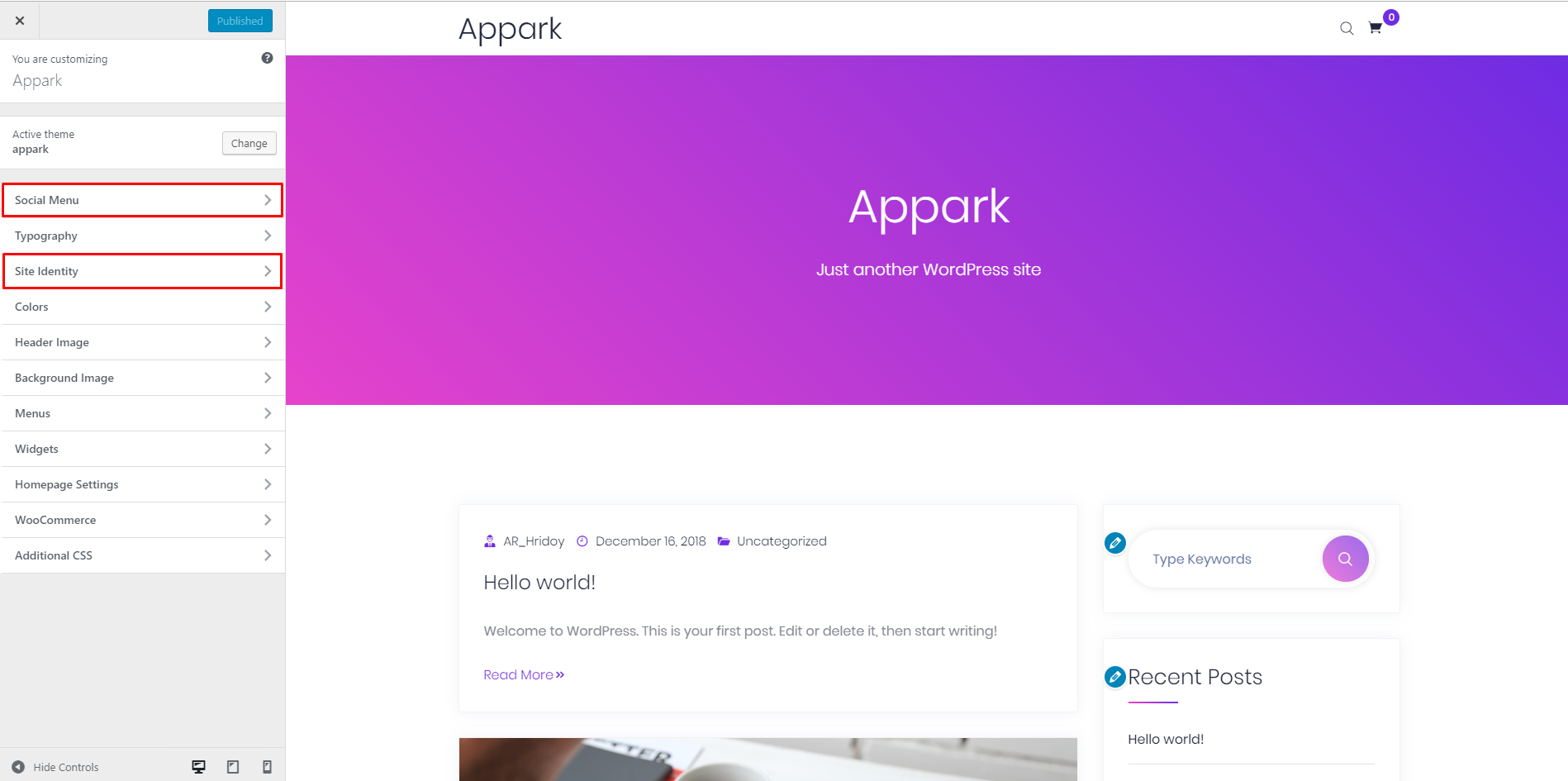
1. To display Social menu. Use This Shortcode [appark_social_menu]. Before fill these fields.

2. Theme Global Options.
- Preloader On/Off Option.
- Global Menu Sticky options.
- Menu Search icon hide option.
- Global Transparent Menu option.
- ScrollUp Button hide option.
